I’ve written about adding Custom Pages to specific forms in a model driven app, using the command bar. This works great when your Custom Page is used to show or manage information for a specific record. But what if your Custom Page is global and shows all records or isn’t relate to an individual record? For this option it’s even easier. No need to edit the command bar and can be added to the navigation in a matter of minutes. This post will show how you can add a Custom Page directly to the navigation of one of your model driven apps.
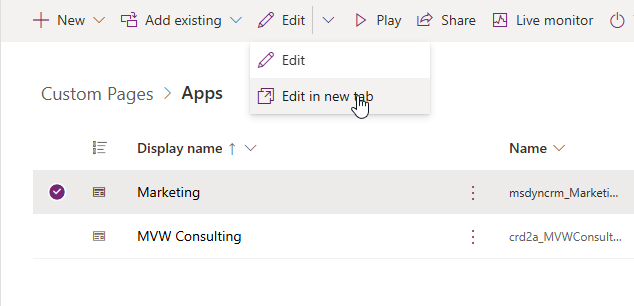
First, go in to your solution and add your app, then edit it (or edit in new tab which is always my preference!).
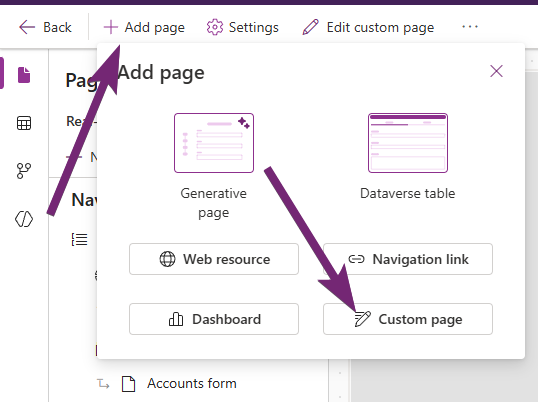
Once you have the app open in the editor, click on Add page from the top, then choose the Custom page option.
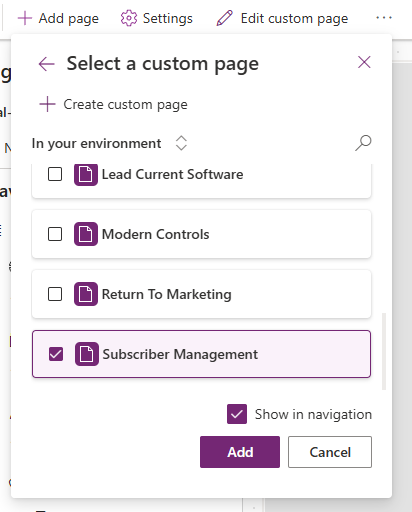
Scroll through or search for your Custom page, then tick the box next to it. Also make sure you leave the Show in navigation box ticked. Then click the Add button.
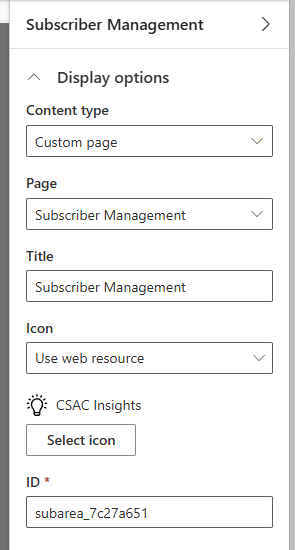
Once you have added it, click on the display options that will be on the right hand side. From here you can change the title which is what will show in the navigation. Perhaps the Custom page isn’t named so well, or wouldn’t make sense to users, so you can give it a different name. Then pick an icon. There are a ton of standard web resources so likely you can find one that is already in your system, or you can add a new web resource with an icon and use that.
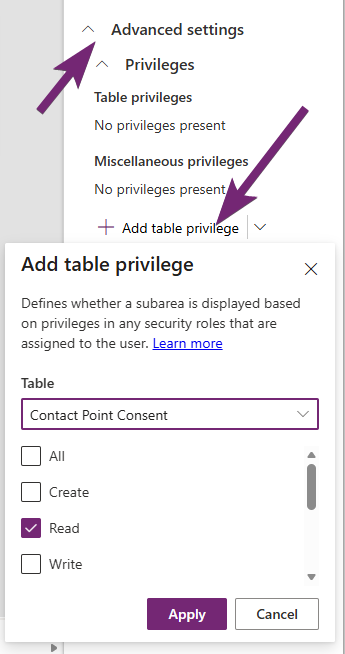
The advanced settings provides the ability to determine when the link in the navigation can be seen. You can add a table privilege so that only people with specific access to a specific table can see it. My custom page contains Contact Point Consent information so only makes sense for people with at least Read access to that table to know that the Custom page even exists.
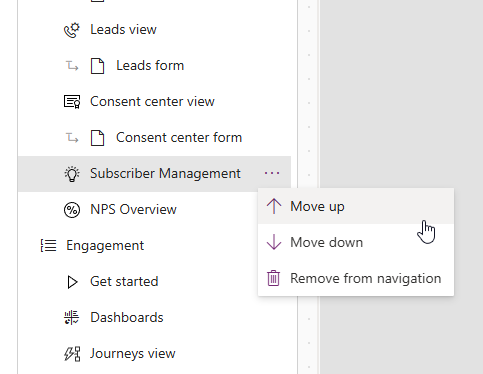
You can then move the item up and down the navigation by clicking on the three dots and then Move up or Move down.
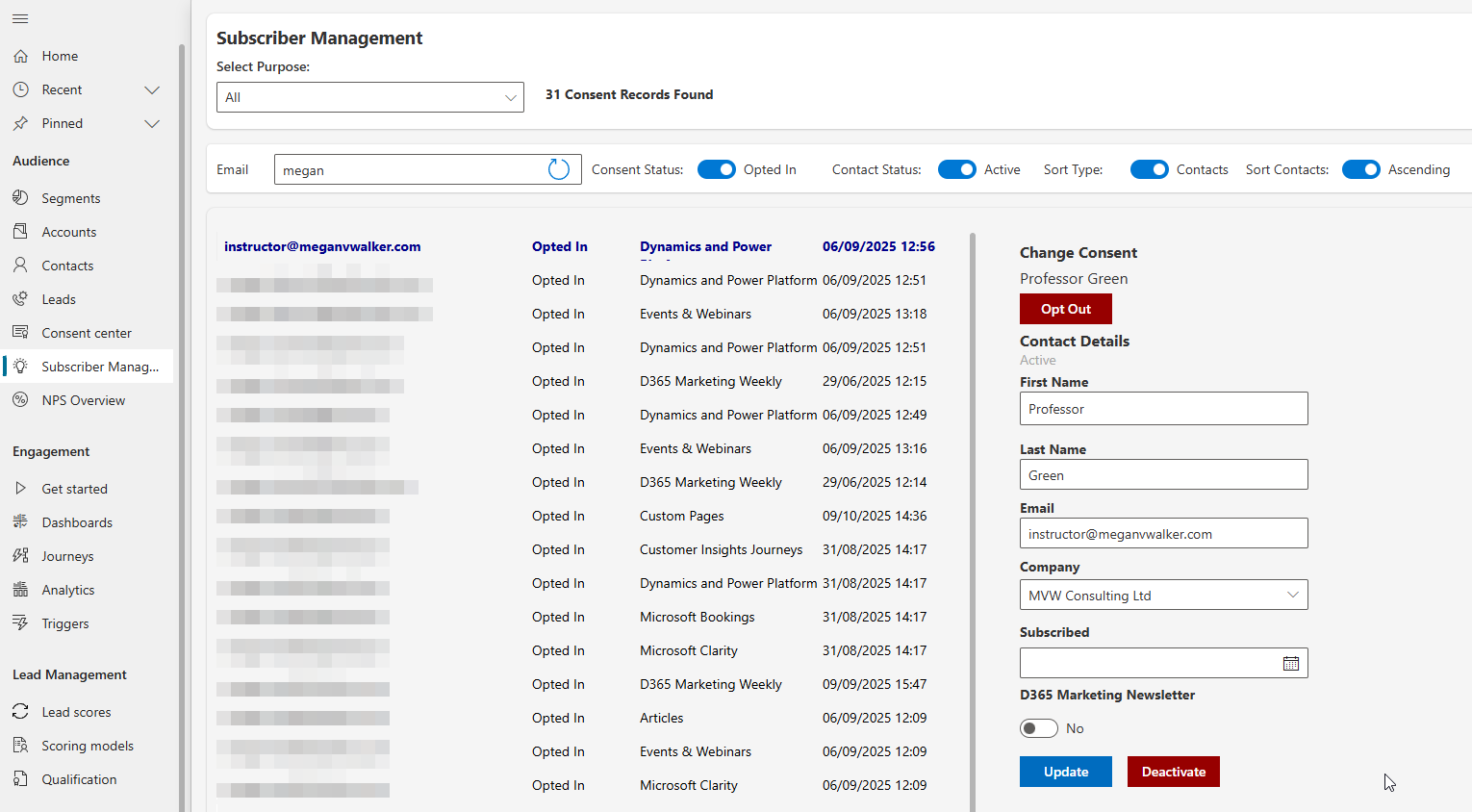
Once you’ve saved and published the Model Driven App, you should see it in your navigation. Easy right?



Leave a Reply