Explore Related Content
Customer Voice
Discover how to create, distribute and manage surveys using Dynamics 365 Customer Voice. Explore personalisation, satisfaction metrics, responses, automation and ways to use customer feedback across Dynamics 365 and Power Platform.
Interested in this? Subscribe to get new articles on the content you choose.
Find the right article
Search within Customer Voice or narrow the articles down by topic.
87 articles found
-

Sending Survey Invitations Via SMS (Text)
Using an SMS (text message) option as a form of communication can be extremely beneficial to your organsation. It gives the ability to keep…
14 comments -
Using Charts & Dashboards To View Survey Responses
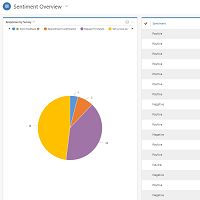
If you are using Dynamics 365 Customer Engagement, you will no doubt have used Charts, Views and Dashboards to get a visual representation of…
6 comments -
Survey Overview Using Word Document Templates
Forms Pro Survey records display some basic information about the survey you have created. You can navigate to the related records but have to…
3 comments -
Updating Records From Responses Using Piped Variable Parameters
Sometimes a blog post takes a village. 🙂 An idea comes from the community, where someone is trying to achieve something new, something for…
9 comments -
Send Forms Pro Survey Invites Via CSV File
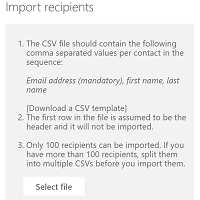
There are several ways to send out a Forms Pro Survey and request feedback. You can send invites to a Dynamics 365 Customer Engagement…
8 comments -
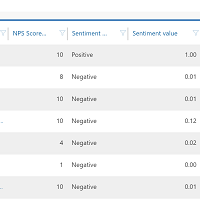
Negative Sentiment Analysis Using Forms Pro
In previous posts we’ve looked at adding the Net Promoter Score (NPS) question to a survey, and how to incorporate it in to your…
7 comments -
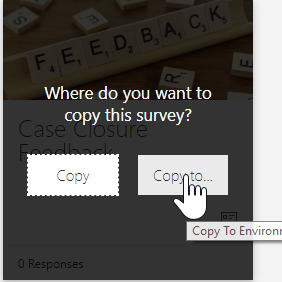
Forms Pro Environments & Deployment
Creating a Forms Pro survey is simple and straightforward. Making sure you’ve created it in the right place can be a little confusing at…
7 comments -
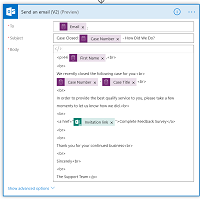
Creating An Invitation To A Forms Pro Survey
In previous posts we’ve looked at how to distribute a survey using Microsoft Flow, and using the Send Survey action. This allows you to…
26 comments -
Multilingual Email Templates in Forms Pro
Within this Forms Pro series I have covered Multilingual Surveys and Email Templates separately. How can we combine the two and create Multilingual Email…
0 comments -
Duplicate Checking for Forms Pro Survey Responses
In a recent survey we looked at Using Parameters To Pass Forms Pro Survey Context. Within that post, a Lead record was created when…
0 comments -
Using Parameters To Pass Forms Pro Survey Context
So far we’ve covered a lot on Microsoft Forms Pro. This post comes with some feedback and knowledge direct from a member of the…
18 comments -
Embed Forms Pro Survey Inline In Website
Once you have your Forms Pro Survey created, you need to send the survey to people. One of the options is to embed it…
11 comments