Explore Related Content
Dataverse
Explore practical guidance for working with Microsoft Dataverse as the data platform behind Power Platform and Dynamics 365. Find articles covering tables, relationships, security, queries, data management and ways to build reliable business applications.
Interested in this? Subscribe to get new articles on the content you choose.
Find the right article
Search within Dataverse or narrow the articles down by topic.
131 articles found
-
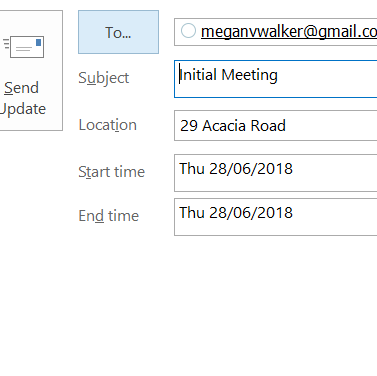
Populating The Appointment Location Automatically
I was recently asked if there was any way to populate the appointment location in CRM. If you are using Server-Side Synchronisation for Appointments,…
0 comments -

Auto Numbering An Entity
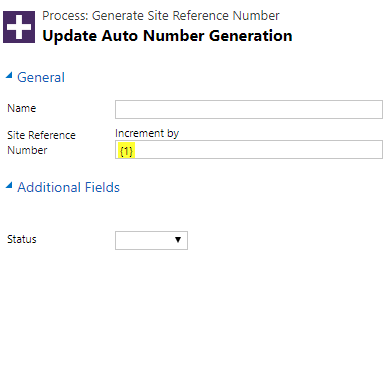
There are various options for providing an automatically generated number for the next record created in D365/CRM. Version 9 has a new feature available…
0 comments -
Using, Importing And Viewing Connections
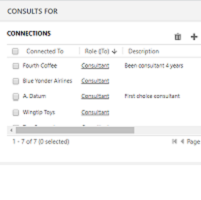
Connections is a pretty good word to describe ‘connections’ between records. It could be a link from one Account number to another. Or it…
2 comments -
Creating Leads Using An Email Queue
I’ve talked about using Queues previously, either to use to create a case or to send emails automatically from them. This post is about creating…
3 comments -
Displaying The Long Date Format For Date Fields
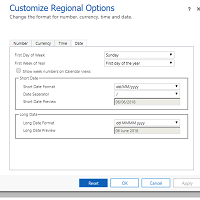
If you delve in to the formats for CRM (Settings> Administration> System Settings> Formats) and review the Dates, you will see an option for…
2 comments -
Creating A New Type Of Activity
Tracking activities in CRM is easy. You can link them to different entities, create them via Outlook or your phone, and make sure your…
0 comments -
Removing HTML From Email Description – Record Creation Rules
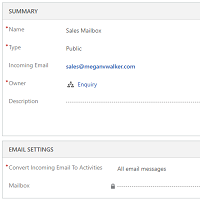
If an email is sent to a specific address, such as support@meganvwalker.com, a Queue in CRM can be used in conjunction with a record…
12 comments -
Customer Today For News Feeds In Dynamics 365
For any organisation, building and maintaining relationships with other companies is a key component of it’s success. This can be with existing customers, or…
4 comments -
Modifying The Quick Create Menu To Add & Remove Entities
The plus sign at the top right of Dynamics 365 CRM provides access to ‘quick create’ records. This can make it…. well…. quick to…
8 comments -
Using Animated Gifs In Dynamics 365
I think it’s safe to say that the most popular blog post I’ve ever written was all about emojis. Once you know how, they…
0 comments -
Qualifying Leads Without Creating Opportunities
*UPDATE – 2020/05/12* This blog was written in 2018 and was a way to get around functionality that was standard, with no way to…
29 comments -
Displaying Icons In A Unified Interface App
I’ve written previously about updating icons on custom entities the right way, but that was just for using within Dynamics 365 CRM itself. Thanks…
3 comments