Explore Related Content
Custom Pages
Practical guidance for building Custom Pages within model-driven apps. Explore Power Fx, Canvas App controls, dialogs, side panes and ways to create more flexible experiences in Dynamics 365 and Power Apps.
Interested in this? Subscribe to get new articles on the content you choose.
Find the right article
Search within Custom Pages or narrow the articles down by topic.
27 articles found
-
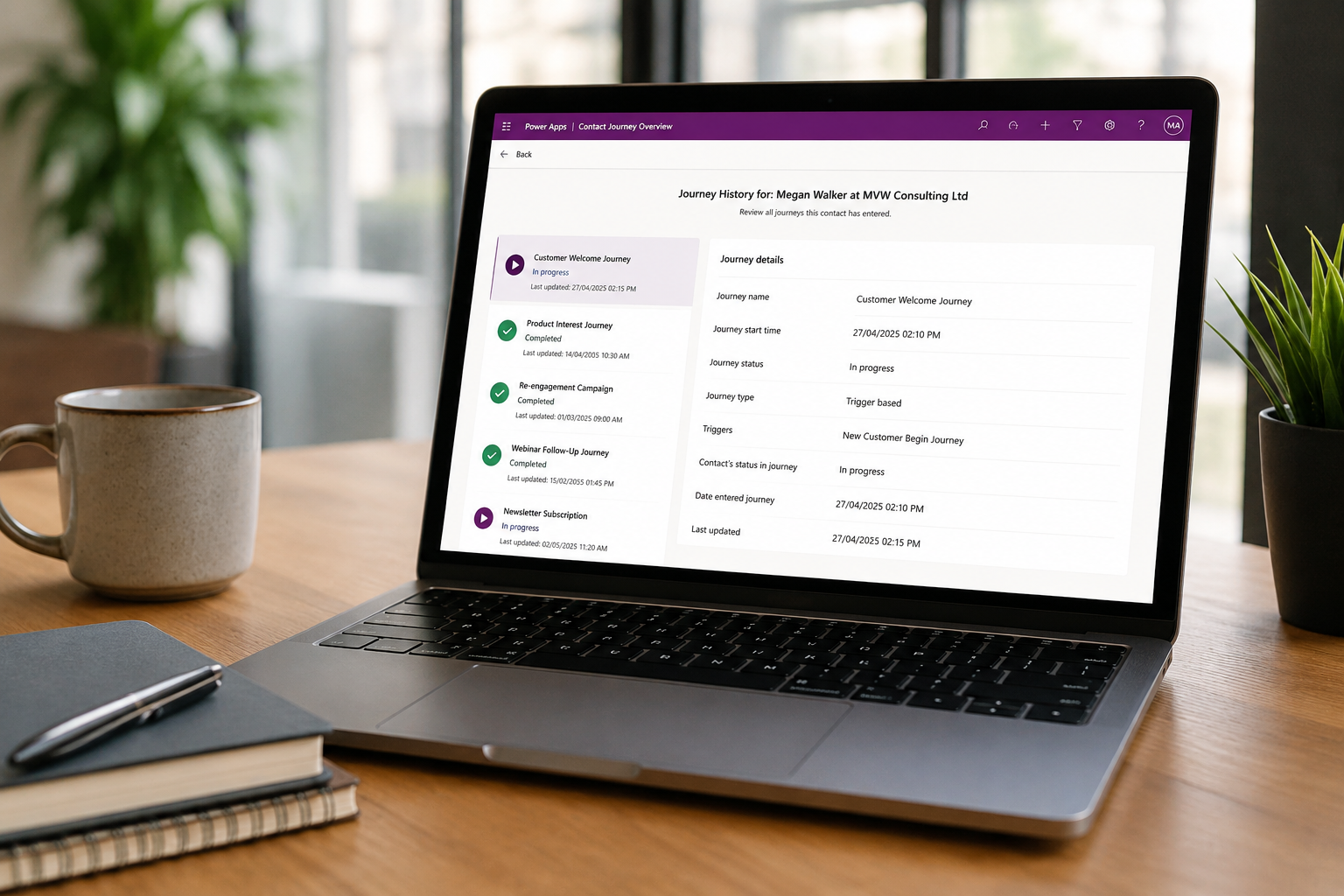
Create a Customer Insights Journeys Overview Page for Contacts
One of the things I enjoy most about custom pages is the ability to surface information from multiple tables in a way that makes…
4 comments -

Open Custom Page For Multiple Selected Records In A View Or SubGrid
In the series of posts on Custom Pages, I’ve shown how to add buttons to open a page from the command bar, including providing…
0 comments -
Start A Power Automate Flow From Your Custom Page
One of the things I love about custom pages is being able to put together a Patch statement to create or update records directly…
0 comments -
Open Different Custom Pages In Model-driven Apps With A Reusable Script
I’ve written about how you can add a custom page to a table/entity in a model-driven app with a script for a specific custom…
0 comments -
Filter And Display Contacts Based On Account In Custom Page
Anyone using Model-driven Apps is pretty much guaranteed to use Accounts and Contacts. There is a relationship between the two tables out of the…
0 comments -
Adding Custom Pages To A Model Driven App Navigation
I’ve written about adding Custom Pages to specific forms in a model driven app, using the command bar. This works great when your Custom…
0 comments -
How To Clear LookUp Fields Using A Custom Page
This one seems really straight forward right? If you have been working with Custom Pages and Patching back to records, you know you can…
0 comments -
Add Information Buttons To Provide Additional Details For Custom Page Users
As you start adding custom pages to your model-driven apps in Dataverse (D365), it’s good to provide as much information and assistance to your…
1 comment -
Open D365 Records From Your Custom Page Using Environment Variables
Using Galleries in your custom page is a quick and easy way to show a list of records to a user. If the user…
0 comments -
Add Activities To A Record Timeline Using Custom Pages
Activities are a pretty common way to understand and manage records in Dataverse/D365. Users can add tasks, appointments, phone calls, and custom activities via…
0 comments -
Adding Multiple Screens To A Custom Page To Provide Confirmation Of New Record Creation
One of the main differences with Canvas Apps and Custom Pages is that most times a Custom Page has just one screen. I say…
0 comments -
Show Loading Screen In Your Custom Page While Your Collection Is Created
If you have been creating Custom Pages, hopefully you are used to creating collections by now. A collection is a temporary table you build…
0 comments