Explore Related Content
Microsoft Clarity
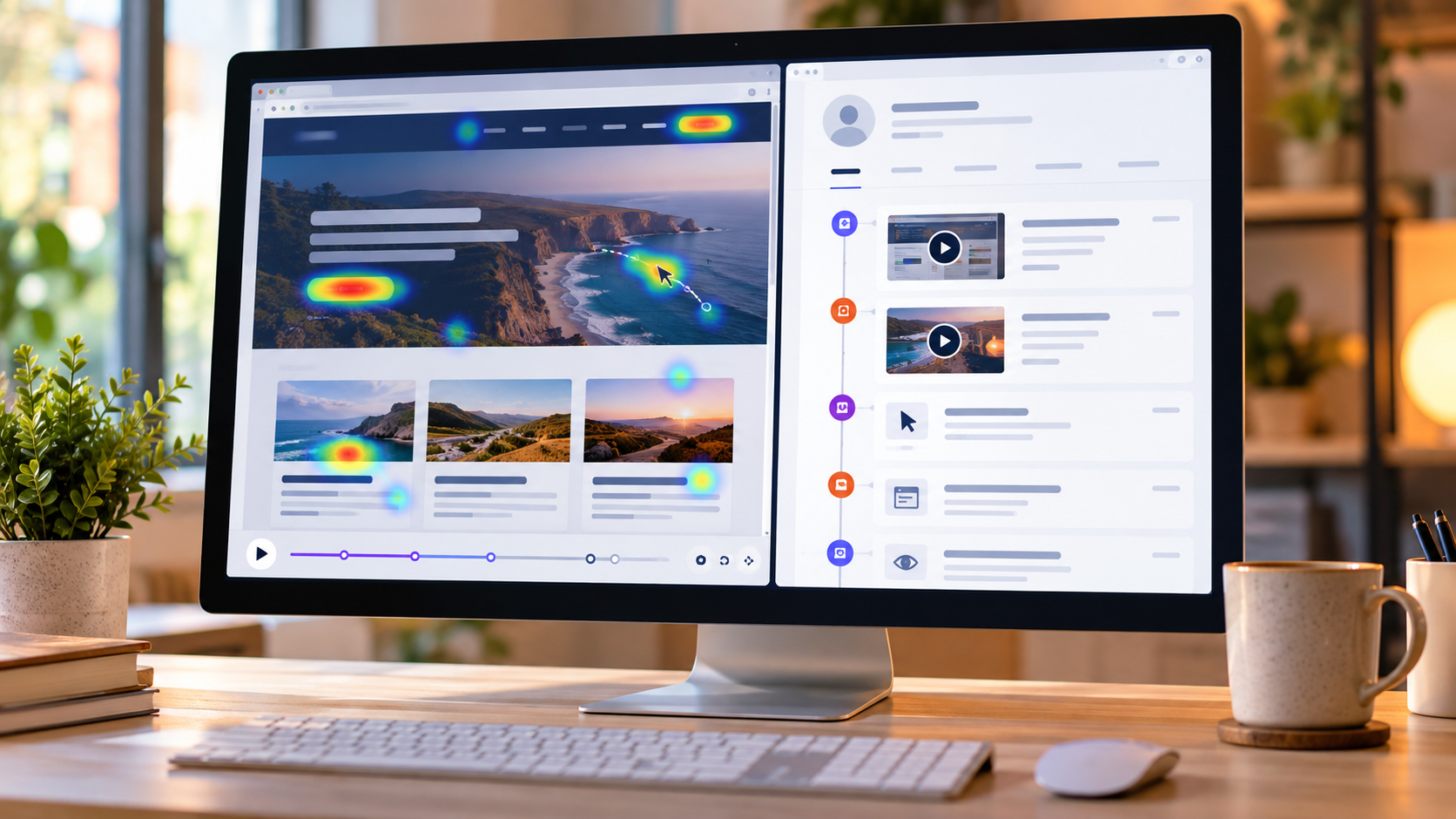
Learn how to understand website behaviour using Microsoft Clarity. Explore heatmaps, session recordings, filters, custom tags and ways to identify usability problems and improve the visitor experience.
Interested in this? Subscribe to get new articles on the content you choose.
Find the right article
Search within Microsoft Clarity or narrow the articles down by topic.
22 articles found
-

Check Your Microsoft Clarity Consent Setup For More Complete Recordings
Microsoft Clarity is a useful way to see how people interact with your website. I’ve been using it since it first came out in…
0 comments -

See Microsoft Clarity Recordings on HubSpot Contact Records
If you’ve not being using Microsoft Clarity, it’s definitely a tool worth using. It’s totally free, and is a user behaviour analytics tool that…
0 comments -
Track Site Visits From D365 Marketing Emails In Microsoft Clarity
This post is about using a combination of D365 Marketing (Customer Insights – Journeys), Microsoft Clarity, Google Tag Manager and GA4 (Google Analytics) and…
2 comments -
Microsoft Clarity Live Browser Extension
As someone with a passion and interest in analytics, websites and marketing, I’ve written about Microsoft Clarity a few times. It’s a fantastic free…
0 comments -
Google Analytics Goals In Microsoft Clarity
Setting Goals and tracking your successes in meeting them is one of the key things every marketer should be doing. There are many tools…
2 comments -
Content Insights In Microsoft Clarity
I’ve written quite a few articles about Microsoft Clarity and find it such a fascinating tool to use on my own website. They have…
0 comments -
Using Google Analytics Segments In Microsoft Clarity
Reviewing and analysing your website traffic data can be done easily using Google Analytics. If you aren’t already using segments, they are a great…
0 comments -
Filtering Using The Microsoft Clarity User ID
If you are using Microsoft Clarity and have not yet set up the Google Analytics integration, it’s worth checking out. And even more so…
3 comments -
Saving Filters As Segments In Microsoft Clarity
One of the things I am really passionate about is Marketing and Analytics, especially analytics from websites (mine in particular obviously 😉). It’s useful…
0 comments -
Masking Mode In Microsoft Clarity
We can mask and unmask content in Microsoft Clarity. This gives us the ability to determine what text or values from our site is…
0 comments -
Scroll Heatmaps In Microsoft Clarity
If you have a website, and you haven’t yet looked at Microsoft Clarity, I suggest you check it out. I’ve written a bunch of…
0 comments -
Microsoft Clarity & Power Apps Portals
If you’ve been following along in the Microsoft Clarity blog series I have been doing, and you also work in the Power Platform world,…
2 comments