Explore Related Content
CI-J
Practical guidance for Dynamics 365 Customer Insights – Journeys. Explore forms, emails, journeys, events, consent, audience management and ideas to help you get more from the platform.
Interested in this? Subscribe to get new articles on the content you choose.
Find the right article
Search within CI-J or narrow the articles down by topic.
254 articles found
-

Lead Scoring Criteria: What Should Earn Points and Why?
Someone downloads a white paper from your website. Someone else attends three webinars, explores your product pages and then requests a demo. Both have…
0 comments -

Marketing Journeys – Real-time Chats – August 2026
You’ll have the chance to join virtually, post your comments & questions, and be part of the conversation as they dive into new monthly…
0 comments -
Marketing Journeys – Real-time Chats – July 2026
You’ll have the chance to join virtually, post your comments & questions, and be part of the conversation as they dive into new monthly…
0 comments -
Use Custom Event Registration Questions To Branch Your Journeys In Customer Insights
A client recently wanted to know if someone had answered a custom question on their Event registration form with either Yes or No. Using…
0 comments -
Marketing Journeys – Real-time Chats – June 2026
You’ll have the chance to join virtually, post your comments & questions, and be part of the conversation as they dive into new monthly…
0 comments -
Create A Segment For People Searching On Your Website
Most websites have some kind of search functionality, especially if you have a blog. If you do, you can use this to your advantage…
0 comments -
Create A Segment Using Unmapped Fields On Marketing Forms in Customer Insights Journeys
We have the ability to add unmapped fields to marketing forms, providing the ability to capture extra information from a Contact or Lead without…
2 comments -
Create A Segment Using Custom Event Registration Questions in Customer Insights Journeys
Are you asking unmapped custom event registration questions when someone is registering for your events? If so, how can you get people who have…
2 comments -
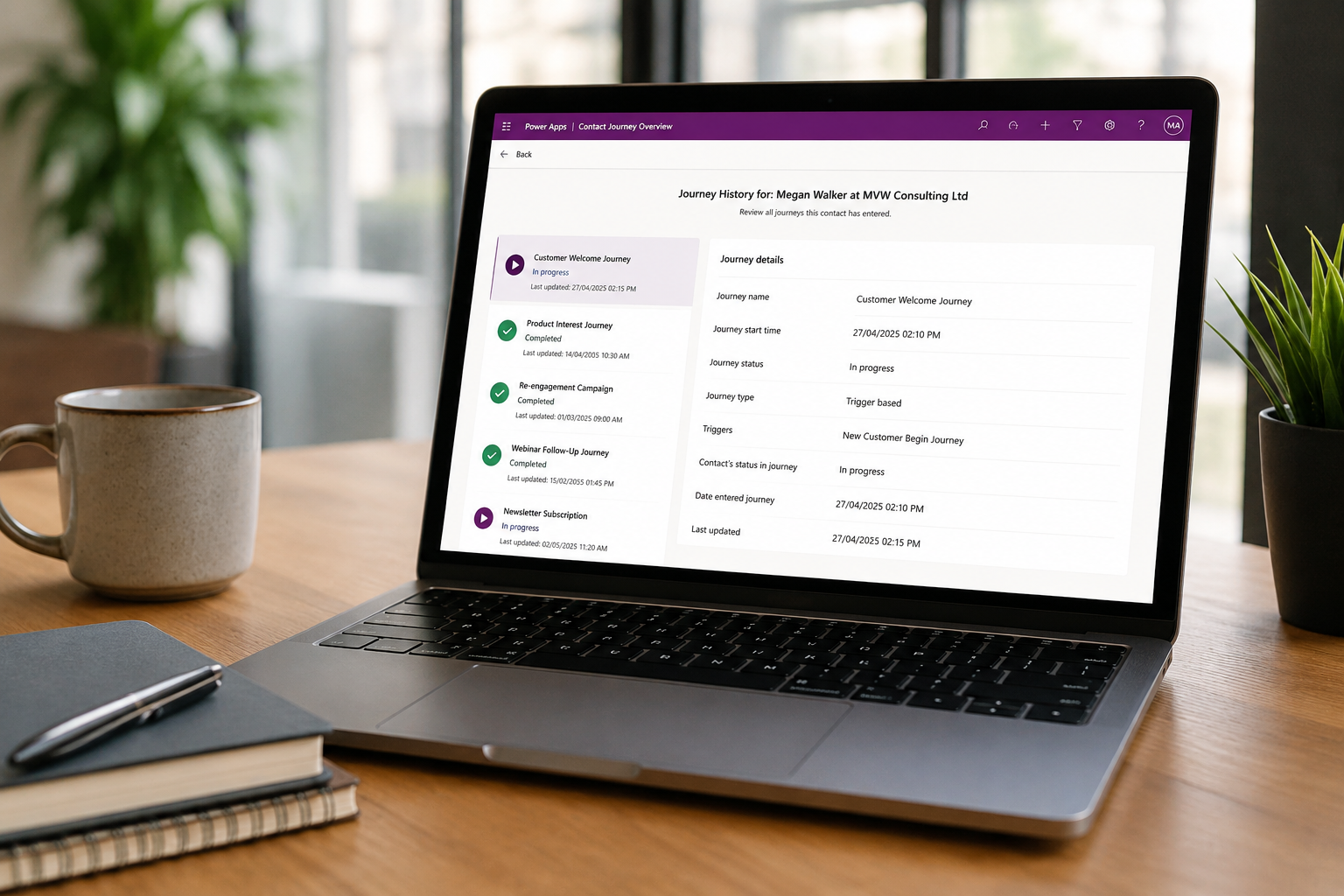
Create a Customer Insights Journeys Overview Page for Contacts
One of the things I enjoy most about custom pages is the ability to surface information from multiple tables in a way that makes…
4 comments -
Using Event Templates With Realtime In Customer Insights Journeys
If you’ve been around long enough and created Events when they were only considered Outbound Events, you may have used the Event Template option.…
2 comments -
Create Your Own Event Overview Analytics Dashboard In Customer Insights Journeys
Have you ever spent any time looking at the out of the box event management dashboard? Yeah, me either and I don’t blame you.…
2 comments -
Marketing Journeys – Real-time Chats – May 2026
You’ll have the chance to join virtually, post your comments & questions, and be part of the conversation as they dive into new monthly…
0 comments